
Local
Everything you type — and the map from each alias back to its real value — stays on your Mac, in memory only. Nothing sensitive is written to disk or logs.
In development A privacy demonstrator by Amazed Labs
LimitID is a local macOS console that keeps your sensitive values on your Mac while you draft with AI.
It detects sensitive values as you write, replaces them with reversible aliases, shows you exactly what would leave the machine, and restores your real values into the answer locally. The AI endpoint you configure only ever sees cloaked text.
LimitID is an experimental demonstrator in active development. It is not a public download today and it is not a compliance tool.
How it works
Three steps, in the order the product performs them. The real values you type and the map back to them never leave your Mac.
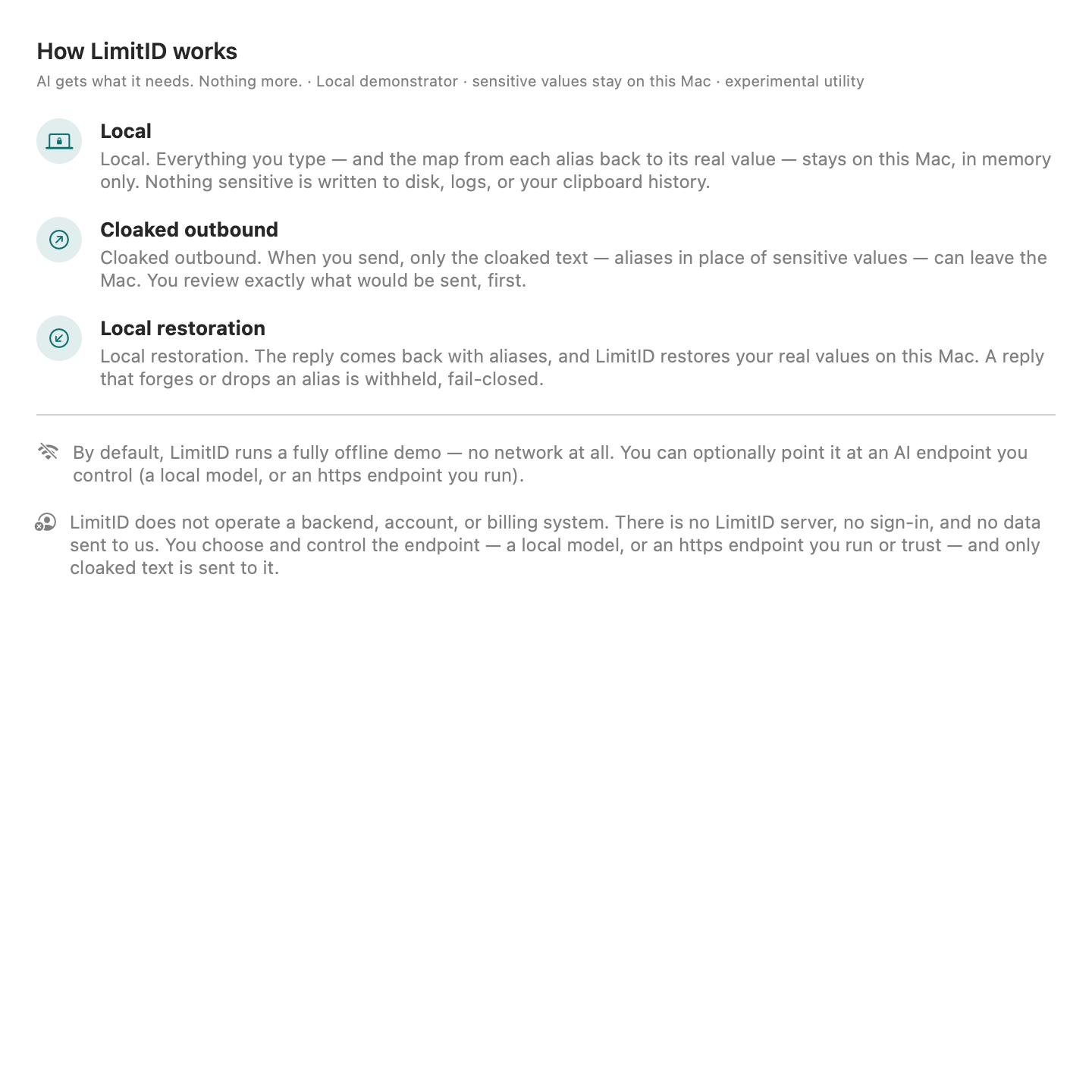
Everything you type — and the map from each alias back to its real value — stays on your Mac, in memory only. Nothing sensitive is written to disk or logs.
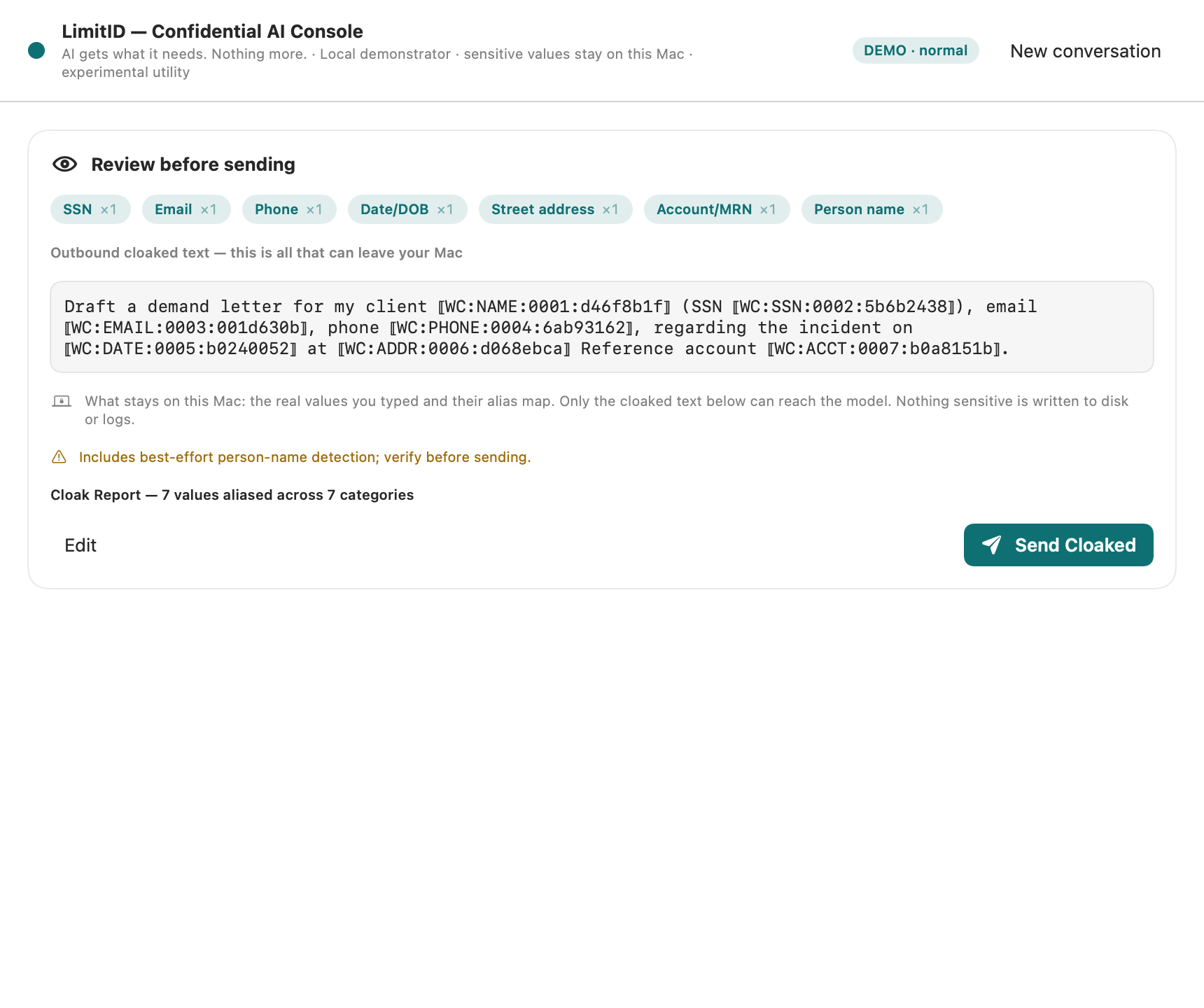
When you send, only the cloaked text — typed aliases in place of sensitive values — can leave the Mac. You review exactly what would be sent, first.
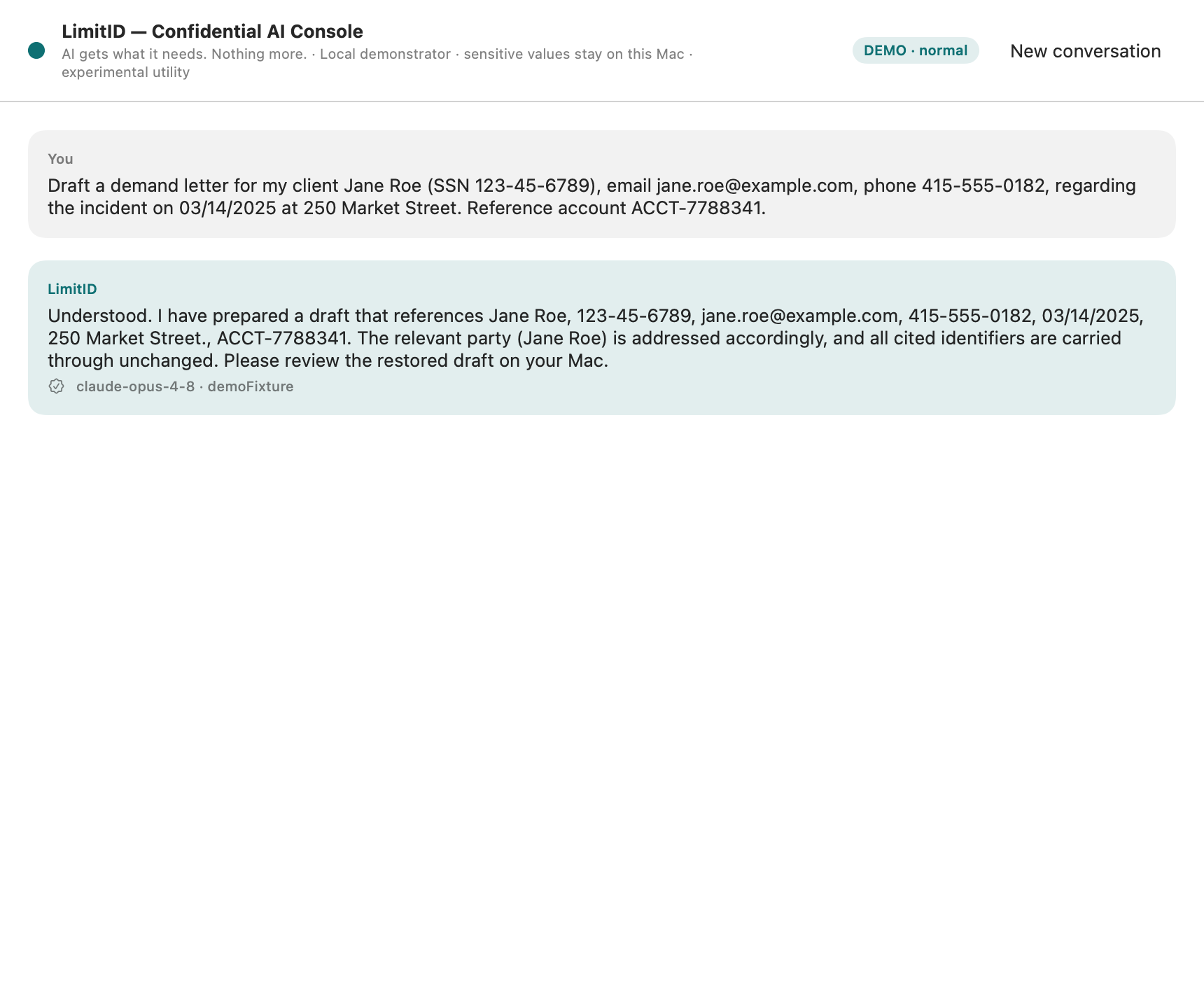
The reply comes back with aliases, and LimitID restores your real values on this Mac. A reply that forges or drops an alias is withheld, fail-closed.
On your Mac (never sent)
Draft a letter for Jane Roe, SSN 123-45-6789, at 250 Market St.
Cloaked text (all that can leave)
Draft a letter for ⟦WC:NAME:0001⟧, SSN ⟦WC:SSN:0002⟧, at ⟦WC:ADDR:0006⟧.
The aliases are reversible: the alias → value map is held in memory on your Mac so the answer can be restored locally. That same reversibility means this is not de-identification — real values are recoverable, on your Mac, by design. (⟦WC:…⟧ is the product's stable internal alias format.)
What stays local
LimitID treats the AI endpoint as untrusted. Only cloaked text crosses the boundary; the values and their map stay behind it.
There is no LimitID backend, account, or billing system — no data is sent to us.
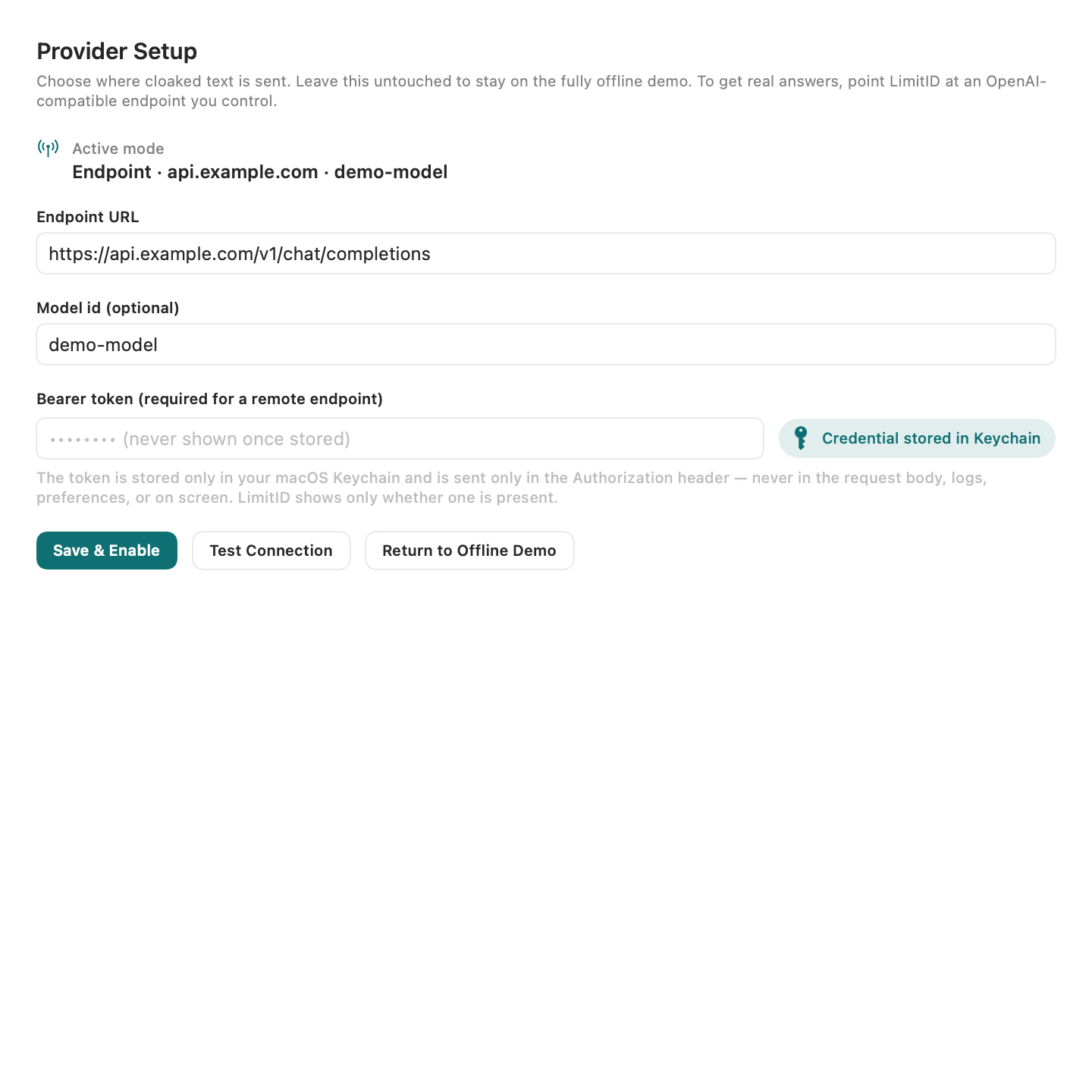
By default LimitID runs a fully offline demo — no network at all. Sending anywhere is opt-in and off until you configure it.
The demonstrator
These are captures of the in-development app running its offline demo with synthetic sample data — not mockups.
Screens use synthetic sample values only. No real personal data appears in the product or on this site.
Honest limits
Restraint and honest limits are the point. LimitID reduces the surface area of one specific risk — pasting sensitive text into cloud AI — and nothing more.
It uses deterministic rules, not a learned model. It is not exhaustive and can miss values, especially adversarial or unusual ones.
Names and organizations are the hardest to catch and are treated as best-effort. The review step asks you to verify before sending.
The alias → value map is kept so the answer can be restored. This is not de-identification, and it is not a promise that content cannot be traced back.
It holds no certification and makes no regulatory-readiness claims. It is not a substitute for professional legal, security, or privacy review.
It reads text, not images, audio, or files, and cannot protect content from a compromised Mac. It does not promise that nothing leaks.
Behavior, coverage, and availability may change. There is no measured performance claim, no customer claim, and no production availability.
LimitID is an early macOS demonstrator built and verified on the developer's Mac. It is honest about its stage.
From the studio
LimitID is a privacy project from Amazed Labs — a small studio making useful, honest, humane software. It shares the studio's posture: build with restraint, state the limits plainly, and ship only what is true.
Learn about the studio and its other work at amazedlabs.org.
Questions about LimitID, or interested in following its development? Email is the only channel — there are no forms, sign-ups, or trackers here.
[email protected]